

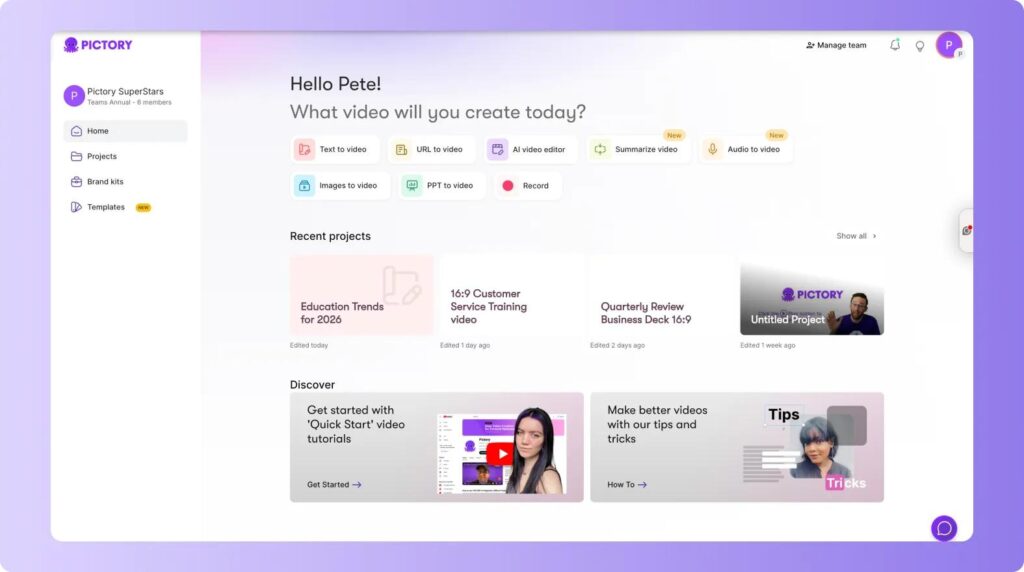
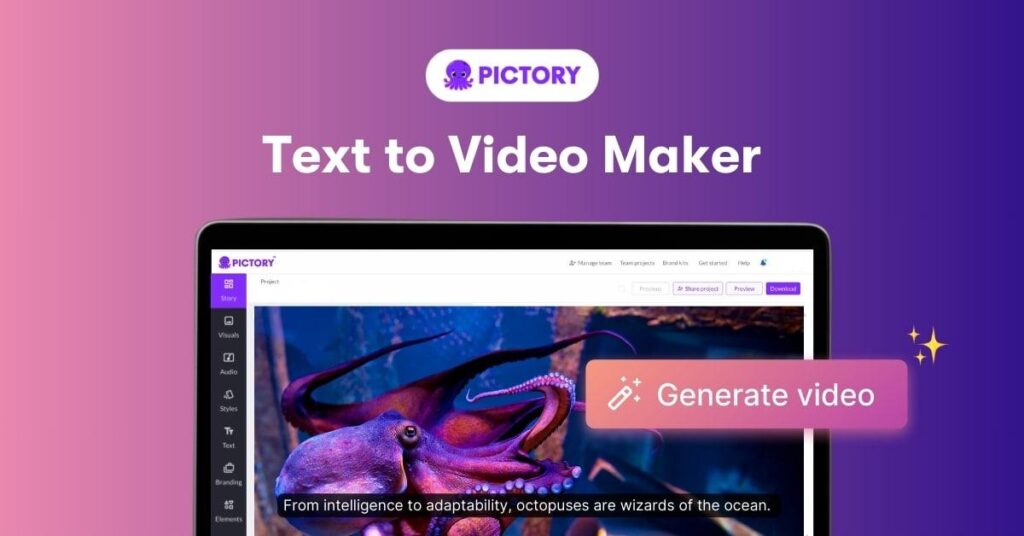
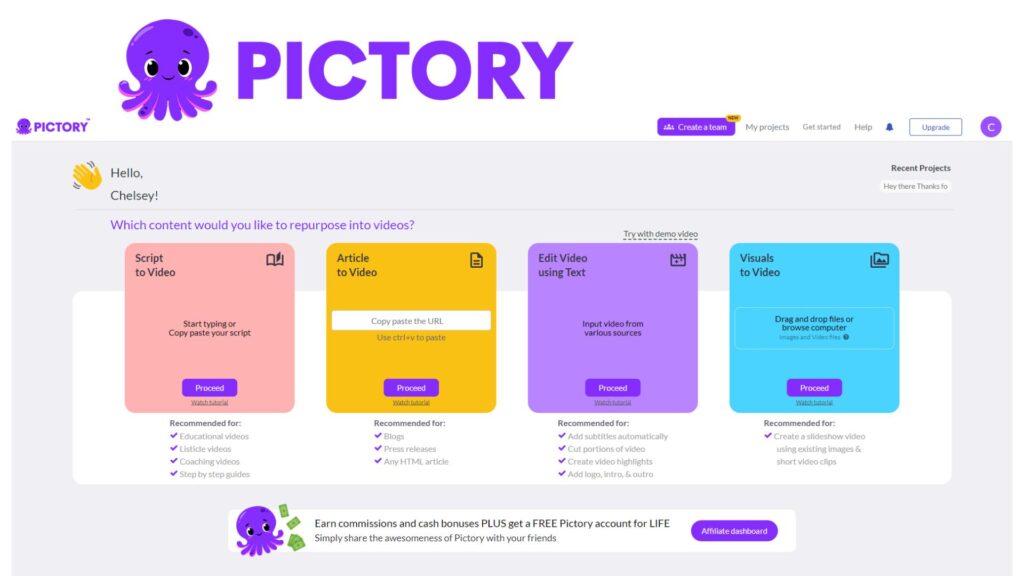
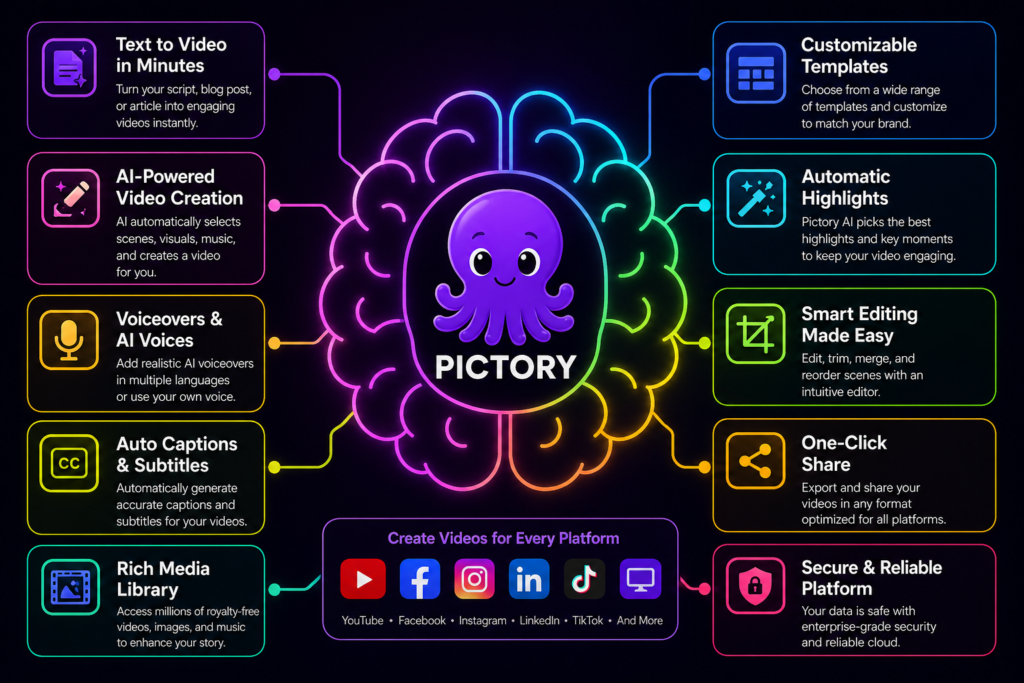




Pictory AI is an AI-powered video creation platform designed to transform text, scripts, and long-form content into engaging videos automatically. It is widely used by marketers, content creators, educators, and businesses looking to produce videos quickly without traditional editing skills.
Unlike advanced generative tools, Pictory focuses on automation and simplicity, making video production accessible to everyone.
Pictory
What is Pictory AI?
Pictory is a cloud-based AI tool that converts:
- text
- blog posts
- scripts
- URLs
- audio
into fully edited videos with visuals, captions, and voiceovers.
👉 The platform automatically:
- breaks content into scenes
- selects visuals
- adds subtitles and transitions
- generates narration
This allows users to create professional videos in minutes without manual editing
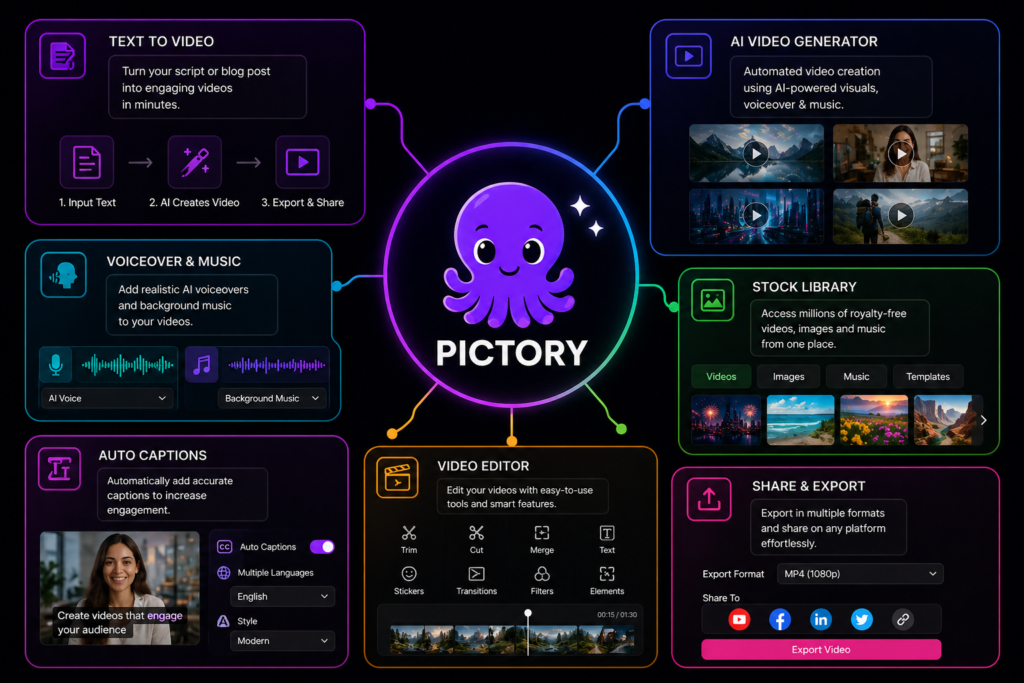
Core Features
- paste a script or article
- AI converts it into a full video
- includes visuals, timing, and captions
👉 Ideal for blog → video conversion
- realistic AI voices
- multiple languages
- optional AI presenters (avatars)
- generates captions instantly
- improves accessibility and SEO
4. AI Voiceovers & Avatars
5. Auto Captions & Subtitles
1. Text-to-Video Generation
2. Script-to-Video Automation
Pictory automatically:
- splits scripts into scenes
- matches visuals using stock libraries
- generates voiceovers
👉 No editing skills required
- extract highlights from long videos
- turn webinars or podcasts into short clips
👉 Perfect for social media content
- custom logos, fonts, and colors
- reusable templates
- consistent brand identity
6. Branding & Templates
3. Video Summarization
Advantages
Limitations
- Very easy to use — no editing skills needed
- Fast video creation — minutes instead of hours
- Automation-first — AI does most of the work
- Great for content repurposing
- Affordable entry price
- Limited creative control
- Relies heavily on stock footage
- Less cinematic quality than advanced AI tools
- Not suitable for complex video production
- Outputs can feel “template-based”
Use Cases
📢 Marketing
🏢 Business
🧠 Content Creation
📚 Education
- ads
- product videos
- social media clips
- training videos
- internal communication
- presentations
- YouTube videos
- blog-to-video conversion
- TikTok / Shorts
- tutorials
- explainer videos
- online courses
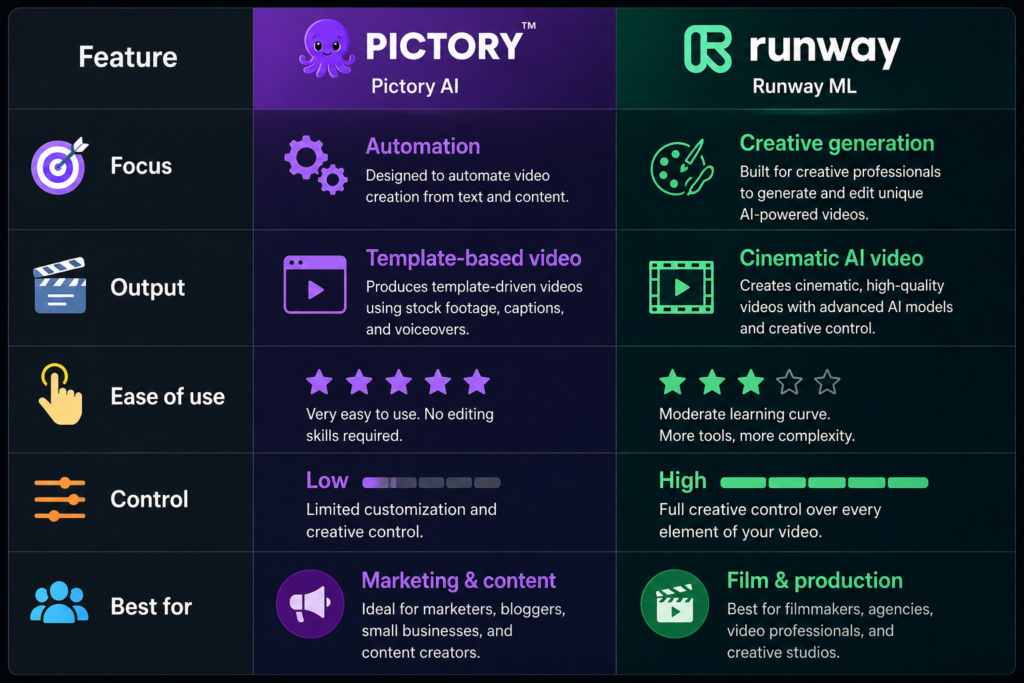
Pictory vs Runway ML
Performance & Quality
Pictory excels in:
However, It struggles with:
- speed
- automation
- content repurposing
- realism
- cinematic quality
- creative flexibility
Pictory AI Pricing (2026)
Pictory uses a subscription-based pricing model:
🟢 Starter — ~$19–25/month
🔵 Professional — ~$29–49/month
🟣 Teams — ~$99/month
- ~200 video minutes
- basic AI tools
- no watermark
- multiple users
- collaboration tools
- larger content limits
- ~600 video minutes
- advanced AI tools
- more voice options
- API access
- custom solutions
- dedicated support
- ❗ Limited minutes on lower plans
- ❗ Can get expensive for heavy users
- ❗ Less value if you need cinematic or advanced editing
👉 Pictory pricing is best for volume-based content creation, not high-end production
- Best value: Starter / Professional plans
- Best for: marketers, YouTubers, businesses
- Not ideal for: filmmakers or advanced creators
⚠️ Downsides
- ✅ Affordable entry point → great for individuals and small creators
- ✅ Scales with usage → more minutes = higher tiers
- ✅ High ROI → replaces expensive video production (often costing hundreds per video)
🟡 Enterprise — Custom
💡 Pricing Value Breakdown
🧠 Final Verdict
Future Development
Conclusion
Pictory is evolving toward:
- better AI visuals
- improved voice realism
- more customization options
- deeper automation
Pictory AI is one of the easiest AI video tools available. It is designed for speed, simplicity, and automation, making it ideal for non-technical users.
- ⭐ Best for: marketers, beginners, content creators
- ⚠️ Not ideal for: filmmakers or advanced creators
👉 In short:
Pictory is simple, fast, and practical, but not as powerful as advanced AI video tools like Runway ML.
👉 Best described as:
“An AI tool that turns content into videos automatically.”
